Microsoft adds data loss prevention to Copilot prompts
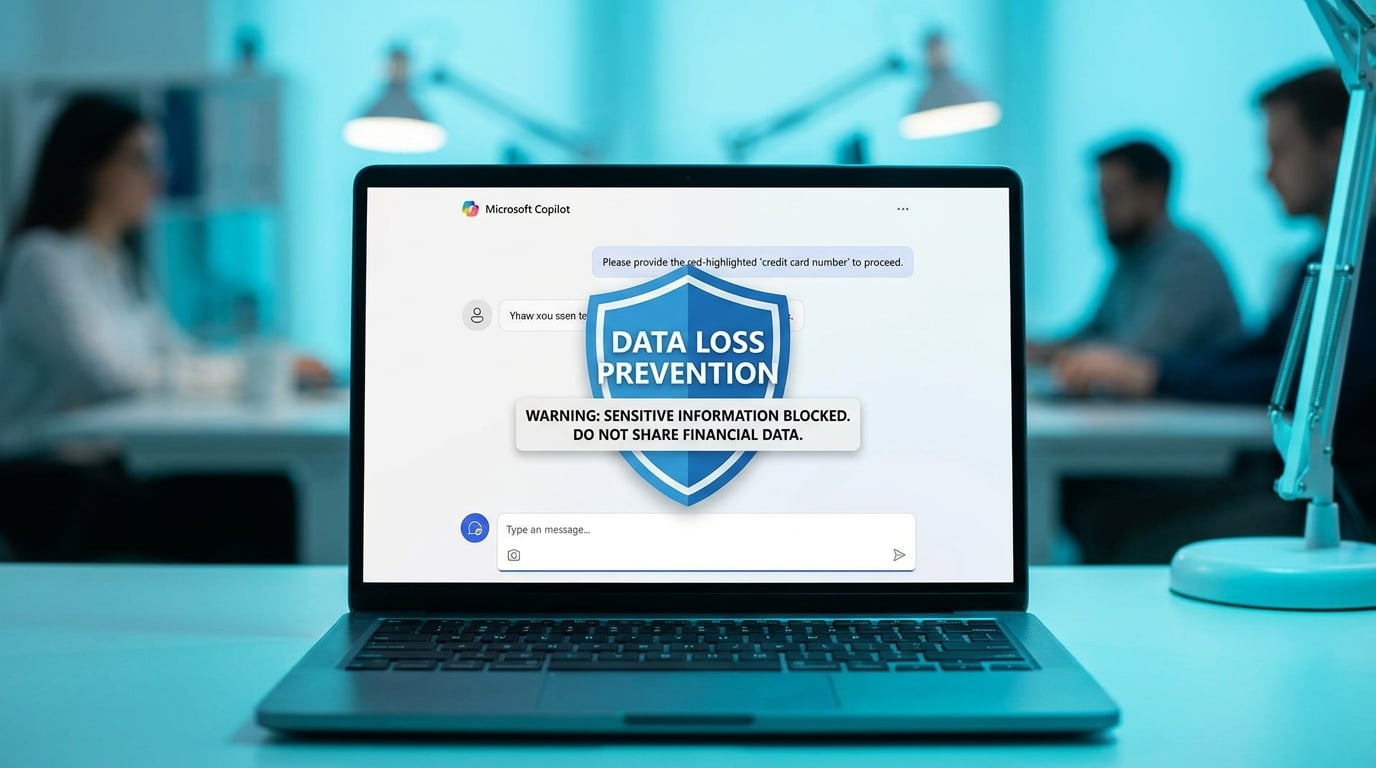
Microsoft 365 Copilot now scans user prompts for sensitive information such as personal data or credit card numbers. The data loss prevention feature, in general availability, blocks processing and any AI-generated responses if risks are detected. Administrators set policies through Microsoft Purview portals and receive alerts for compliance. A simulation mode lets teams test configurations without interrupting workflows. This applies across Copilot in apps like Word, Excel, and Teams.
Knowledge workers avoided Copilot prompts with any company data, sticking to manual email triage and note-taking due to leak fears and lack of IT guidance. Time drained into scattered tasks stayed manual, as generic AI outputs felt risky and untrustworthy. Built-in scanning now flags issues before AI processes them, shifting Copilot from gimmick to viable shortcut for daily friction like inbox overload. The total block on risky prompts forces cleaner inputs, indirectly cutting decision fatigue by rewarding precise queries over vague ones.
Analysis
This unlocks Copilot for your inbox chaos without the data paranoia that's kept it shelved, but blunt blocking will train better habits if you start small. Enable simulation mode in Purview right now, then Copilot-summarise your top 10 daily emails to reclaim 20 minutes before real policies lock it down.
Source note
Pulse published by Collab365 Spaces. Cite as "Microsoft adds data loss prevention to Copilot prompts", Collab365 Spaces.