Build an Onboarding Tracker That Drives Your Flows
Add the starter once. See every onboarding step, owner, due date and problem in one place.
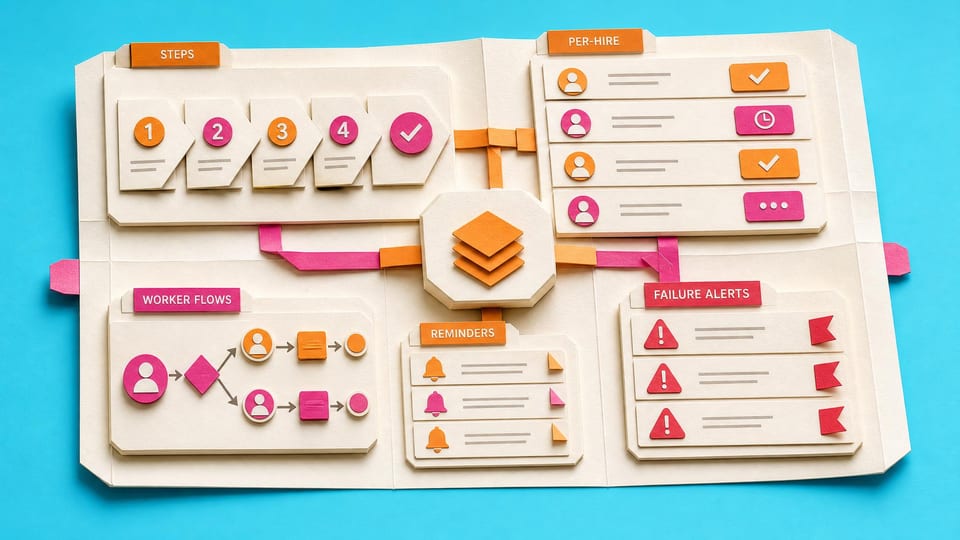
How does this Blueprint help you? Three SharePoint lists, a starter onboarding template pack, five guarded Power Automate flows, and one completed fictional-hire proof for an HR or operations coordinator.
Why this exists
The lists become the shared record. Each flow performs one small job, writes the result back to the matching step, and leaves manual work visible.
Who will use it
An HR coordinator or operations lead who can build a simple cloud flow but needs a shared status tracker before automating more of onboarding.
Blocker it removes
A long flow and disconnected small flows leave HR without one visible record of every starter, step, owner, due date and failure.
V1 proof
One fictional hire creates one non-duplicate row per active template. A safe test email sends, a task appears in an approved basic Planner plan, a manual step remains visible, an overdue step sends one reminder, and a controlled failure creates one minimal alert.
How this Blueprint becomes a working result.
A Blueprint is the plan for creating a named result. A Course teaches; a Briefing helps you decide.
This is a platform build plan, not a finished or downloadable application.
You know your way around the tools you use at work. AI coaches you through anything new.
You remain responsible for the result. You create and test every screen, list, permission, and flow, with AI coaching you through the work.
AI is the guide, not the builder. AI can explain steps and draft formulas. It cannot access or change your tenant, data, permissions, or sharing settings.
Stuck on a question? Just ask. If anything in the guided session is unclear, tell the AI. It explains, gives examples, and helps you answer before moving on.
Before you begin
A platform licence, maker permission, an approved test location, and sample data. Get a builder estimate before you approve or commit to the work.
Start safely
Build privately with fictional data. Get approval before live data, wider sharing, publishing, or rollout.
New to agentic AI tools?
A Blueprint runs inside an agentic AI tool such as Claude Cowork or Codex, where the AI reads the whole Blueprint and works through it with you. If you have never used one, our free plain-English guide gets you comfortable first.
Read the AI for Work guideMember access
Ready to put this Blueprint to work?
You can review the result, audience, proof, responsibilities, and safe starting boundary here. Unlock Power Automate Builders to use the complete Blueprint.
The technical build sections and copyable implementation packet remain protected until access is unlocked.