Build a KPI Agreement Workbook to Lock One Disputed Metric Definition Before You Rebuild
Set up a reusable Excel and Word KPI Agreement Workbook that turns one stakeholder argument about a dashboard number into a documented, signed-off definition before you change any report logic.
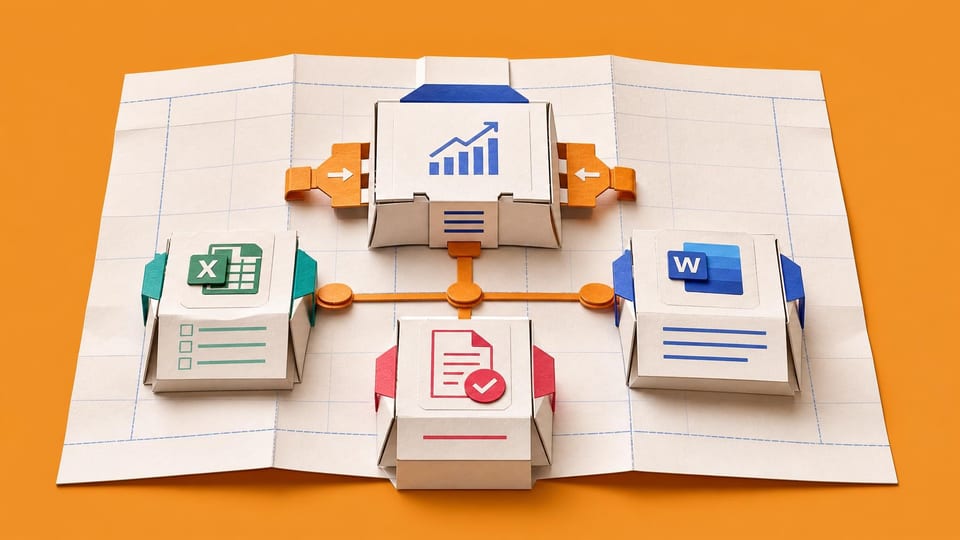
How does this Blueprint help you? A reusable KPI Agreement Workbook the member sets up in Excel, with a one-page Word or Teams sign-off message. It takes one disputed dashboard metric and the stakeholder's competing number as input, and produces a documented definition, source-to-calculation map, one reconciliation result, a classified variance log, and a recorded stakeholder sign-off, all before any report logic is changed.
Why this exists
Power BI, Looker, and dbt let teams build visuals before definitions are reconciled, and semantic-layer tools assume technical setup the member does not own. There is no lightweight, member-owned checkpoint that forces one disputed definition to be written, reconciled, and signed off before rebuild work starts. This workbook is that checkpoint.
Who will use it
An Excel-strong reporting lead or analyst who owns a Power BI or Excel dashboard, has at least one KPI that stakeholders dispute, and has viewer or contributor access to the report plus the stakeholder's competing source. They are beginner to intermediate in Power BI and not a data engineer or tenant admin.
Blocker it removes
Right now the member ships a dashboard, finance or sales challenges a number because each group assumed a different definition, and the member loses hours rewriting measures and visuals after delivery. The definition argument happens after the build instead of before it.
V1 proof
Using the sample metric Active Users, the member completes every tab of the KPI Agreement Workbook with no blank owner, source, calculation, exclusion, or freshness field, records one reconciliation result, classifies the variance, and produces a sign-off message ready to send. Then they repeat it for one real disputed metric.
How this Blueprint becomes a working result.
A Blueprint is the plan for creating a named result. A Course teaches; a Briefing helps you decide.
This is a guided setup plan. Nothing is installed, connected, sent, or changed automatically.
If you can follow instructions, you can finish this. AI explains each step and answers your questions as you go.
You remain responsible for the result. You make and approve each change in the existing tool. AI coaches you through the setup.
AI is the guide, not the builder. AI can explain the next step, draft safe examples, and help check the result. It cannot see or control the tool.
Stuck on a question? Just ask. If anything in the guided session is unclear, tell the AI. It explains, gives examples, and helps you answer before moving on.
Before you begin
Access to the named tool, permission to change its setup, and sample or low-risk data. Get a builder estimate before you approve or commit to the work.
Start safely
Begin with a reversible change and sample data. Confirm the result before using live information or sharing it.
Member access
Ready to put this Blueprint to work?
You can review the result, audience, proof, responsibilities, and safe starting boundary here. Unlock Microsoft 365 Report Builders to use the complete Blueprint.
The technical build sections and copyable implementation packet remain protected until access is unlocked.