Capture Every Dashboard Request as a Structured Brief in Microsoft Lists
Turn vague dashboard requests into structured, status-tracked briefs before anyone starts building.
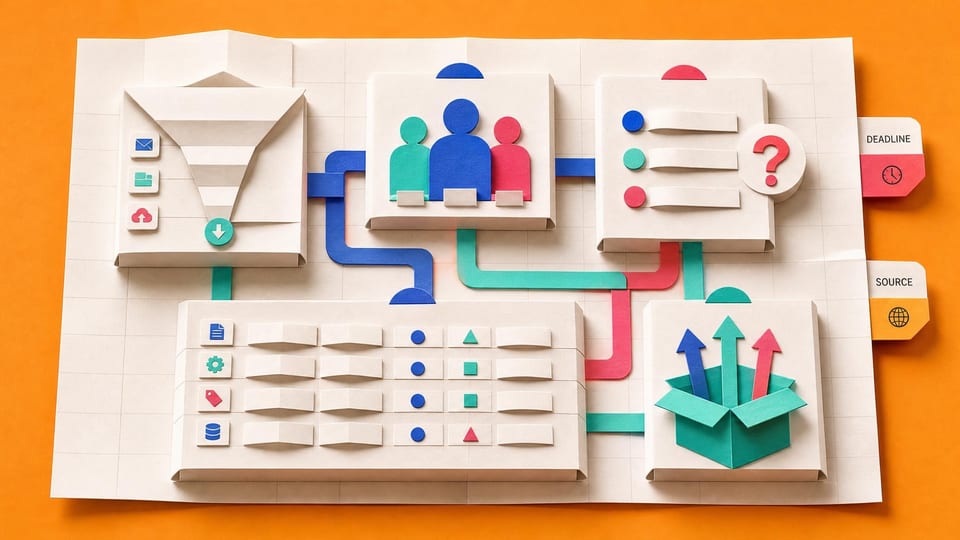
How does this Blueprint help you? A Microsoft Forms request form, a Microsoft Lists/SharePoint list named Report Requests, a Power Automate flow that creates one list item per submitted response, six per-status list views, and an optional Teams notification for new submissions.
Why this exists
The companion course teaches how to diagnose a bypassed dashboard after the fact. This blueprint fixes the upstream request moment so future work starts with the brief fields that usually get missed.
Who will use it
A non-developer report builder, Power BI owner, business analyst, or Microsoft 365 power user who receives vague dashboard, export, or reporting requests by email or chat and needs a structured intake path before build work starts.
Blocker it removes
Stakeholders ask for a dashboard or export without naming the decision, users, questions, detail rows, export needs, deadline, source systems, or sensitivity. The builder starts work without a brief, then gets blamed when users export the finished dashboard back to Excel.
V1 proof
A test Form submission creates one Report Requests row with the mapped fields, default status New, agreed surface Not agreed, working status views, three visible sample requests, and an optional Teams notification if enabled.
How this Blueprint becomes a working result.
A Blueprint is the plan for creating a named result. A Course teaches; a Briefing helps you decide.
This is a platform build plan, not a finished or downloadable application.
You know your way around the tools you use at work. AI coaches you through anything new.
You remain responsible for the result. You create and test every screen, list, permission, and flow, with AI coaching you through the work.
AI is the guide, not the builder. AI can explain steps and draft formulas. It cannot access or change your tenant, data, permissions, or sharing settings.
Stuck on a question? Just ask. If anything in the guided session is unclear, tell the AI. It explains, gives examples, and helps you answer before moving on.
Before you begin
A platform licence, maker permission, an approved test location, and sample data. Get a builder estimate before you approve or commit to the work.
Start safely
Build privately with fictional data. Get approval before live data, wider sharing, publishing, or rollout.
New to agentic AI tools?
A Blueprint runs inside an agentic AI tool such as Claude Cowork or Codex, where the AI reads the whole Blueprint and works through it with you. If you have never used one, our free plain-English guide gets you comfortable first.
Read the AI for Work guideMember access
Ready to put this Blueprint to work?
You can review the result, audience, proof, responsibilities, and safe starting boundary here. Unlock Microsoft 365 Report Builders to use the complete Blueprint.
The technical build sections and copyable implementation packet remain protected until access is unlocked.