Your inbox keeps choosing your first task.
Every new batch pulls you back into the same decisions: keep it, file it, deal with it later. The report, client work or planning you wanted to start gets pushed back again.
Guided training · Build your own inbox assistant
Build your own AI inbox assistant in your own email and AI accounts. We guide you through the setup; you choose the filing rules, approve the first batch and check the results. Collab365 and Spaces do not receive or access your emails through this setup.
Learning with Collab365.
In our members’ words.
The problem this project tackles
You open your inbox to answer one message. Before you get to it, you're filing newsletters, checking receipts and deciding what can wait. You close it feeling busy, with the work you meant to do still waiting.
Every new batch pulls you back into the same decisions: keep it, file it, deal with it later. The report, client work or planning you wanted to start gets pushed back again.
The newest messages take priority. Older mail becomes a second to-do list you rarely get to, and you keep wondering whether something important is buried in it.
Handing over your inbox is a big step. You want to see the rules, check a small batch and know how to reverse a mistake before trusting AI with the morning routine.
What you are working towards
A morning routine you've tested: AI files routine mail under rules you've approved, flags messages that need you and leaves a short summary. You check a scheduled run against your inbox and know how to change the rules, undo a move or pause the job.
Why this approach
Your inbox. Your rules. An assistant you set up yourself. Follow the connection lesson, use the supplied instructions to teach your AI how to file your mail, then check its first run. You work in your own accounts and control the permissions. Your chosen email and AI providers govern how your email data is processed; for work email, follow your organisation's policies.
Your first useful step
Your AI finds your newest messages in the right mailbox. You check them against your inbox before asking it to move anything.
Your learning path · 3 core steps
Filing rules you understand and have checked against real messages.
Nothing else works until your AI can see your inbox. This short course gets you connected in the tool you already use and proves it with one question.
A first batch you approved, with a record of what moved.
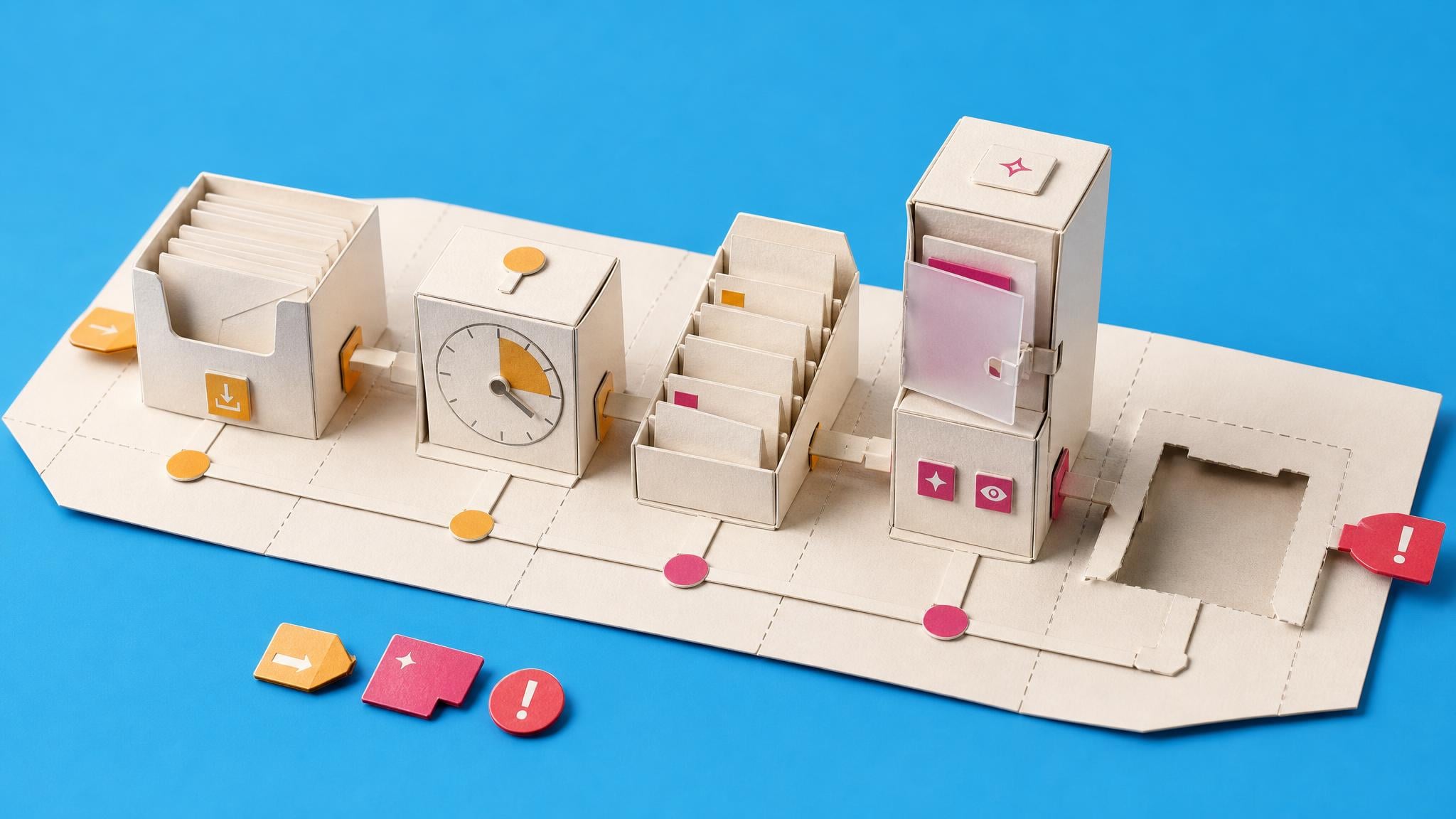
One paste, one conversation. Your AI learns what matters to you, does a first careful run on emails you approve, agrees a plan for the old pile and sets up the morning task.
A scheduled morning run checked against your inbox.
A daily assistant should earn trust, not assume it. Decide what it learned, what it may do without asking and how big tomorrow's list should be.
Two folders, three colour tags, ten or more senders swept and ruled, a rules document at version 1, and one morning routine done.
If you cannot connect work email to AI, use this optional course to build a separate routine with folders and your email app's own rules. You still check the inbox yourself.
Confidence giving an AI a clear job, controlling what it can access and checking its work, practised on fictional files.
If you have only ever chatted with AI and the idea of it doing real work for you feels like a leap, this course uses made-up files, not your inbox, to teach you how to brief an AI agent, decide what it can touch, steer its plan and check its work.
At your own pace. About two hours across setup and review. You'll also wait for a scheduled morning run; optional courses take extra time.
Before you start
Busy professionals with a Gmail or work Microsoft 365 Outlook inbox who are tired of sorting the same kinds of messages. You'll use your own AI account and follow the setup yourself. No coding is needed. The first step checks what your email connection and AI plan can actually do.
This route is for one Gmail or work Microsoft 365 Outlook inbox. Personal Outlook.com, Hotmail, shared, delegated, regulated and legal-hold mailboxes need a different setup. Sending replies, deleting mail, unsubscribing and calendar changes are outside this project.
People learning with Collab365
Feedback from Collab365 Spaces and our former Academy, shared on Google and Trustpilot.
“They operate by providing learning in manageable chunks, using real world examples in easy to understand teaching methods.”
“The guided, step-by-step setup makes it very hard to miss something or go down the wrong path, which saves a lot of trial and error.”
“The community is kind, smart, and generous with their knowledge and has saved my sanity more than once.”
“The most useful part has been the way complex changes are distilled into something I can quickly understand and evaluate.”
Your bonus · full supporting Space access
The Complete AI Authority Space is yours to explore for 90 days with your Learning Pass. Explore the full library and join the community alongside your Board.
And it keeps growing. Everything added to this Space during your 90 days is included too.
Explore everything included
90 days of full Space access
14 extra courses to build your skills. Beyond the steps in this Board.
Browse the courses, practical resources and updates included alongside your Board.
| Courses | Included |
|---|---|
| Productivity Hacks That Actually Work Course converts productivity research into reusable AI prompts for time blocking, task prioritization, and workflow optimization. Five modules address morning planning, project decomposition, calendar design, energy ali… | Included with your pass |
Loading included resources…
The complete AI Authority Space is included for your Learning Pass. Use its courses to improve your writing, research and everyday work with AI. Explore the briefings, practical projects and community, with new material included as it arrives during your pass.
Full supporting-Space access lasts for your chosen 90-day period. Afterwards, protected steps require continuing Space access. Your Board, progress, private notes and saved work remain afterwards.
Before you decide
What is included, how access works and what to expect from the project.
Your progress, private notes and saved work remain on your account. Full access to protected content in The AI Authority lasts for the period you choose; afterwards, protected steps require an active plan, permanent Space ownership or Team access.
Your 90-day Learning Pass starts when payment is confirmed, not when you first open a lesson or Board item.
The page checks your account and Team access before checkout. It keeps your existing Board and progress, avoids duplicate charges, and shows the right ongoing option if the one-off offer no longer applies.
AI can answer individual questions. This Board adds the chosen sequence, named outputs, progress tracking and related Space material for the context and edge cases you would otherwise have to assemble yourself.
About two hours across setup and review. You'll also wait for a scheduled morning run; optional courses take extra time. The complete learning path is visible on this page before you start.
No. The Board gives you a practical learning path and supporting material, but you still make the decisions and do the work. It is a product, not a done-for-you consulting service.
The lessons cover Gmail and work Microsoft 365 Outlook with Claude, ChatGPT or Grok. You'll need your own AI account. Available connections, actions and scheduling depend on your tool, plan and workplace permissions, so the first step checks what your setup supports. Personal Outlook.com and Hotmail accounts are outside this route.
Yes. The optional course shows you how to organise your inbox with folders and your email app's own rules, with a manual morning routine. It does not give you the same scheduled AI assistant. Follow your organisation's rules about what information you can share with AI.
The core steps have an estimated two hours of learning, setup and review. You'll choose the filing rules, approve a first batch and check a scheduled morning run. Leave time between setup and that run, then review it after a few mornings. Optional courses take extra time. Your tools and mailbox may need more troubleshooting.
Yes. This is guided training: you create and control your own inbox assistant in your own email and AI accounts, using rules you choose. Collab365 and Spaces supply the lessons, instructions and checks; they do not receive or access your emails through this setup. If you connect your mailbox to an AI provider, that provider may process email data under the permissions you grant and its service terms. For work email, use tools and settings approved by your organisation. Do not paste private emails into Board notes or community discussions.
You check your AI is reading the right mailbox, review its proposed rules against examples and approve a first batch. The project shows you how to check what moved and undo it. Its instructions exclude sending, replying, deleting and unsubscribing. AI can still make mistakes, which is why checking the first batch and scheduled run matters.
You choose whether to leave older mail alone or work through it at an agreed pace. Start with a batch you can check. Working through a large backlog can take additional time and AI usage; the project does not require you to clear the whole pile to establish a morning routine.
Yes. Your Learning Pass includes the complete AI Authority Space for the period shown with the offer: courses, briefings, Blueprints, updates and community access. New material added during your pass is included too. Afterwards, your Board, progress, private notes and saved work remain; protected learning material needs continuing Space access.
You can write your own instructions. This project brings the connection lesson, filing instructions and review checks together in a set order. You still choose the rules and check the results, with the supporting AI Authority courses available when you need more explanation.
Your next useful step
Follow the project, build your skills and put what you learn to work.
The one-off option includes a 90-day Learning Pass for required Spaces. Afterwards, your progress, private notes and saved work remain; protected steps require continuing Space access.