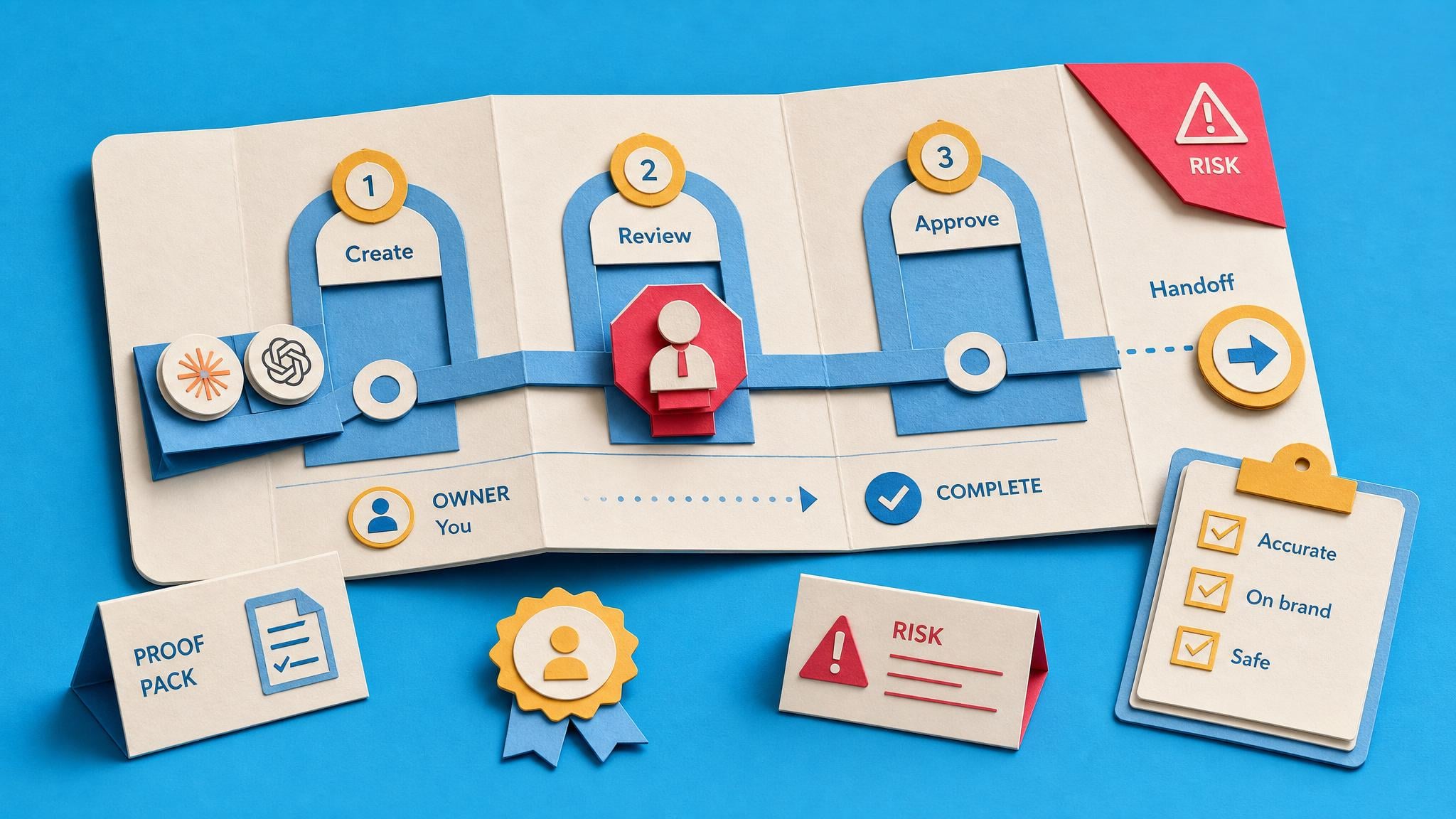
You shared the prompt. You kept the job.
A colleague can copy the instructions, but not the judgement you use around them. You still provide the context, check the answer and explain what to do next.
Turn one useful AI task into something your team can repeat
You've found a useful way to work with AI. Now put the instructions, examples and checks into a handoff a colleague can follow. This guided project helps you capture what lives in your head, check what is safe to share and decide what should happen next.
Learning with Collab365.
In our members’ words.
The problem this project tackles
You shared the prompt. The questions came straight back: which file, what goes here, does this answer look right? The method works because you know what to feed it and what to fix. Until that knowledge is written down, your AI shortcut still depends on you being available.
A colleague can copy the instructions, but not the judgement you use around them. You still provide the context, check the answer and explain what to do next.
The same questions arrive in chat. You answer them again because writing the whole method down feels slower today. Next week, the task is back on your desk.
You're tempted to connect the steps and let them run. But if a person can't yet follow the task or check its result, a faster version could repeat the same mistakes.
What you are working towards
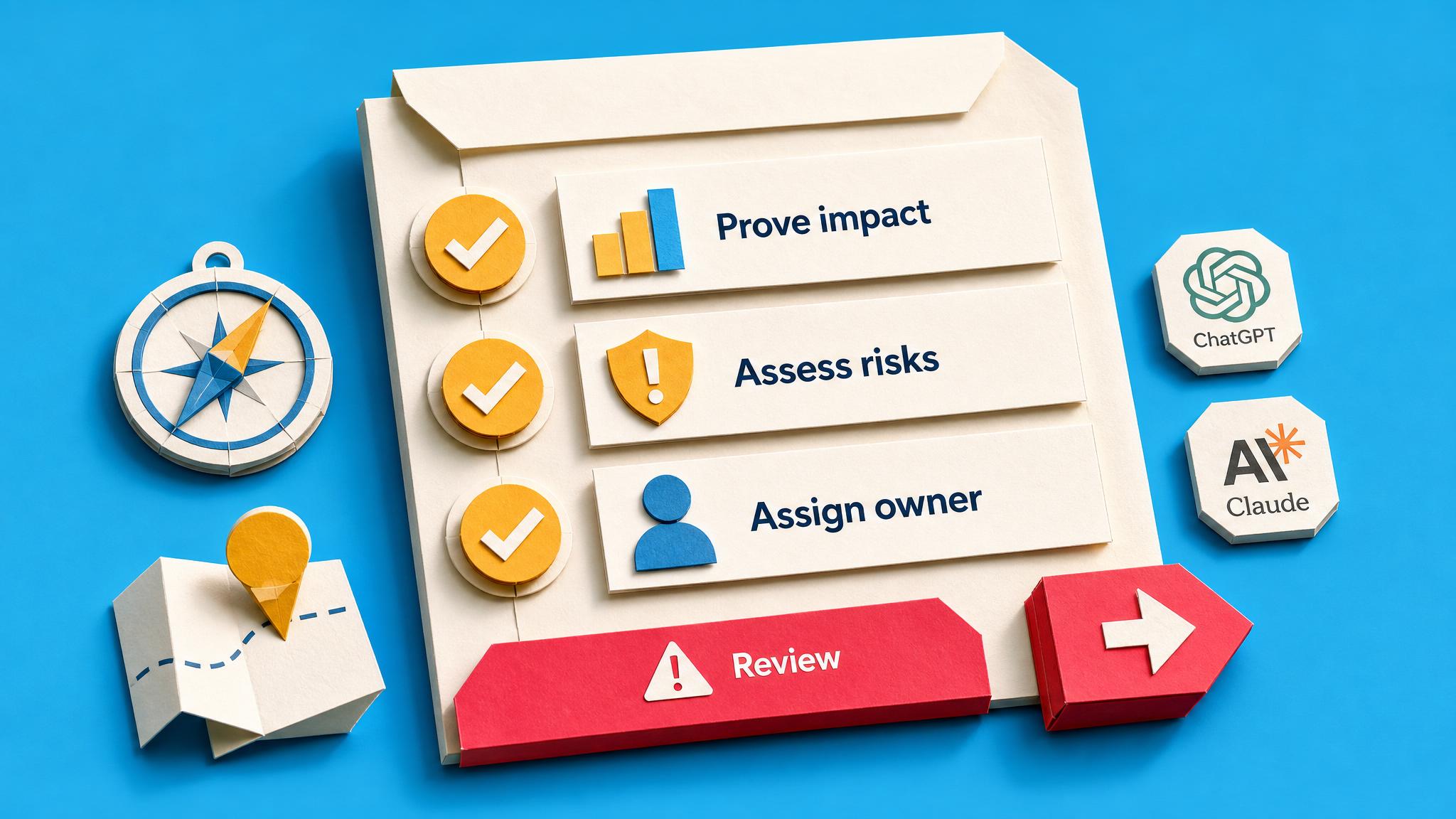
You have a handoff pack for one named task: purpose, permitted sources, instructions, examples, output checks and stop points. You have reviewed what can be shared, recorded the questions a colleague would need answered and made a reasoned decision about chat or automation.
Why this approach
A colleague needs the context and checks around the prompt. This path helps you put those pieces into one handoff pack, then decide whether the task is clear enough to share or automate. You work on one task you already understand.
Your first useful step
Map one recurring task: what goes in, what a useful result looks like and the checks you make before using it. You have the outline of a handoff instead of another isolated prompt.
Your learning path · 4 core steps
A clear description of one recurring AI-assisted task.
This is the core first-value asset: a documented AI handoff pack for one recurring task, including task map, prompt, sources, output checks, stop points, and a cover test.
Examples that show a colleague what a useful result looks like.
This briefing reinforces the board's main rule: a repeatable AI workflow needs inputs, context, source rules, review steps, and stakeholder expectations, not just a saved prompt.
Written instructions for sources, checks and when to stop and ask.
This checklist covers task scope, access, privacy, files, instructions, and teammate-style testing before a shared AI assistant or workflow is used by others.
A review of what is safe to share in a prompt or custom GPT.
This scorecard prevents premature automation. It checks input stability, failure tolerance, review needs, frequency, and platform limits before the learner moves a workflow out of chat.
A revised custom GPT or Claude Project for one task, grounded in colleague examples, with review rules and a plan to check whether it is being used.
This is the strongest route for learners turning the workflow into a shared custom GPT or Claude Project. It focuses on one winnable task, real examples, review gates, and adoption status.
A weekly-update automation built from the Blueprint, with draft review, approval before posting and recorded checks for duplicates and failures.
This blueprint gives a concrete reusable pattern: weekly tracker data becomes an AI draft, then a human approval gate controls publishing, with dedupe, run logging, and failure alerts.
One bounded automation with a test route, duplicate check, visible errors, a failure rehearsal and a watched first run.
This is the implementation route for learners ready to ship one reliable automation with a test lane, duplicate guard, error route, forced-failure rehearsal, and watched live cycle.
At your own pace. 1–2 weeks, allowing time to prepare examples, check the instructions and try a handoff.
Before you start
Professionals, team leads and founders who already use AI for a recurring task and want a colleague to repeat it. Bring one task you understand and examples you are allowed to use. No coding is needed for the core path.
See the learning path and buying questions for the tools and setup this project needs.
Choose a task you already understand. This is not a promise that a prompt will replace a role, make every answer correct or run without review. The optional automation work needs the relevant tools and permissions.
People learning with Collab365
Feedback from Collab365 Spaces and our former Academy, shared on Google and Trustpilot.
“They operate by providing learning in manageable chunks, using real world examples in easy to understand teaching methods.”
“The guided, step-by-step setup makes it very hard to miss something or go down the wrong path, which saves a lot of trial and error.”
“The community is kind, smart, and generous with their knowledge and has saved my sanity more than once.”
“The most useful part has been the way complex changes are distilled into something I can quickly understand and evaluate.”
Your bonus · full supporting Space access
The Complete AI Authority Space is yours to explore for 90 days with your Learning Pass. Explore the full library and join the community alongside your Board.
And it keeps growing. Everything added to this Space during your 90 days is included too.
Explore everything included
90 days of full Space access
14 extra courses to build your skills. Beyond the steps in this Board.
Browse the courses, practical resources and updates included alongside your Board.
| Courses | Included |
|---|---|
| Run Your Inbox Daily Without Connecting Your Email to AI Professionals blocked from linking work mail to AI still get six filing rules from inbox screenshots, then build two folders, categories, Sweep and native Rules in Outlook or Gmail, plus a ten-minute morning routine and… | Included with your pass |
Loading included resources…
Your 90-day Learning Pass opens the complete AI Authority Space, beyond the steps in this Board. Explore its courses, briefings, Blueprints and community when you need to improve the task or develop another AI skill. New material added to this Space during your pass is included.
Full supporting-Space access lasts for your chosen 90-day period. Afterwards, protected steps require continuing Space access. Your Board, progress, private notes and saved work remain afterwards.
Before you decide
What is included, how access works and what to expect from the project.
Your progress, private notes and saved work remain on your account. Full access to protected content in The AI Authority lasts for the period you choose; afterwards, protected steps require an active plan, permanent Space ownership or Team access.
Your 90-day Learning Pass starts when payment is confirmed, not when you first open a lesson or Board item.
The page checks your account and Team access before checkout. It keeps your existing Board and progress, avoids duplicate charges, and shows the right ongoing option if the one-off offer no longer applies.
AI can answer individual questions. This Board adds the chosen sequence, named outputs, progress tracking and related Space material for the context and edge cases you would otherwise have to assemble yourself.
1–2 weeks, allowing time to prepare examples, check the instructions and try a handoff. The complete learning path is visible on this page before you start.
No. The Board gives you a practical learning path and supporting material, but you still make the decisions and do the work. It is a product, not a done-for-you consulting service.
No. The core project is about documenting a task, checking it and preparing a usable handoff. Optional automation work may need accounts, connectors and permissions for the tools involved.
One recurring task you already do with AI, plus examples and source material you are permitted to use. A task you understand well gives you a better starting point than an unfamiliar process you hope AI can figure out.
The aim is a handoff they can try with clear instructions and checks. Expect questions to expose missing context. Use those questions to improve the pack; sharing a prompt alone doesn't complete the handoff.
Work through the project over 1–2 weeks. Leave time to collect examples, review the instructions and try the handoff. The effort depends on the task you choose and the gaps you uncover.
The core project helps you decide whether it should stay a reviewed chat or become an automation. Optional steps explore a more controlled automation. You still need suitable tools, testing and a clear approval boundary.
The one-off Learning Pass includes 90 days of full AI Authority Space access, including additions during that period. Your Board, progress, notes and saved work remain afterwards; protected lessons require continuing Space access.
The prompt may leave out which information to use, what a good result looks like and when to stop. This path helps you capture those decisions alongside examples and checks. A colleague then has more of the method you rely on, rather than needing to ask you for the missing context.
Your next useful step
Follow the project, build your skills and put what you learn to work.
The one-off option includes a 90-day Learning Pass for required Spaces. Afterwards, your progress, private notes and saved work remain; protected steps require continuing Space access.