Collab365 SpacesCollab365 Spaces
SpacesBoardsPricingAcademy membersHow It Works
Collab365 Spaces

AI changes work. Know what to do.

Follow Collab365

FacebookLinkedInInstagramX (Twitter)TikTokYouTube
Excellent on TrustpilotTrustScore 4.5/514 reviews

Platform

  • Explore Spaces
  • Create Account
  • Spaces Roadmap
  • For Teams

Company

  • How We're Surviving AI
  • Blog
  • Academy members
  • About
  • Contact

Legal

  • Privacy
  • Terms
  • Cookie Policy

© 2026 Collab365 Spaces Limited. All rights reserved.

Badhan Ct, Castle St, Hadley, Telford, Shropshire, TF1 5QX, UK

AI changes work. Know what to do.

One task. Two hours. Off your desk for good.

Stop being the only person your AI workflow works for.

Build a documented handoff pack for one recurring AI task, add the trust checks that make it safe to share, then decide whether it stays in chat, becomes a team assistant, or ships as an automation behind a human approval gate.

Checking your best way to start…

What you build3 pieces of finished work across 4 core steps

What you will finish

Build My First Repeatable AI Workflow

  1. 1Hand Off One AI Task Without It Coming BackBuild a handoff pack for one recurring AI task that a colleague can attempt from written instructions alone.
  2. 2Why Sharing The Prompt Is Not The Same As Handing Off The WorkAdd the trust checks that make it safe to share: privacy boundaries, output verification, stop-and-ask rules, and a teammate-style test.
  3. 3Run This Checklist Before You Share a Custom GPT with Your TeamDecide with a five-factor scorecard whether the workflow stays in chat, becomes a shared assistant, or ships as an automation with a human approval gate.
  4. 4Decide Whether to Automate a Task or Keep It in ChatOne recorded decision you can act on in the next step.

Excellent on Trustpilot

4.5/5 from 14 reviews

Collab365 brand reviews, not a claim about results from this Board.

Read the reviews

Does this sound familiar?

The work breaks in predictable places.

You are the one who is good with AI. Which is why the summary, the report, and every "can you just run this through ChatGPT" lands on you. Your best prompts live in a chat history only you can search. The one time you handed a task to someone else, it came back needing the judgement only you could add. So now you just do it yourself, and your time off is a backlog with a delay on it. That is the trap of being good at this privately: the better you get, the more keeps coming back to you.

Problem 01

Your best AI work is trapped in your chat history

The prompt that works is forty conversations deep. You rewrite it from memory, slightly differently, every time. Nobody else can find it, run it, or check it, because the process around it was never written anywhere.

Problem 02

You delegated it once, and it came back wrong

You shared the prompt. The output looked finished and was not usable, because the sources, checks and context stayed in your head. Now you quietly do it yourself, and being good at AI somehow made your workload bigger.

Problem 03

Everyone says agents. You would not bet your name on one

Meetings are full of automation talk. But an unwatched workflow that could send the wrong thing to the wrong people, with your name on it, is a risk nobody has shown you how to control.

What done looks like

Finish with work you can use.

Start here

Your first session ends with something you have never had: the whole task on one page. Every input, source, check and stop-point written down, with the AI Task Handoff Workbook open beside a finished example, so you are never staring at a blank template.

How you’ll know you’re finished

Finish with one documented AI workflow another capable person can attempt from the written pack alone: task map, improved prompt, source and output rules, quality checks, stop-and-ask rules, a cover-test record, and an honest status of Keep, Revise, Do not delegate, or Not tested yet. Plus a scored decision on what it becomes next, so the task stops coming back to you.

  • Build a handoff pack for one recurring AI task that a colleague can attempt from written instructions alone.
  • Add the trust checks that make it safe to share: privacy boundaries, output verification, stop-and-ask rules, and a teammate-style test.
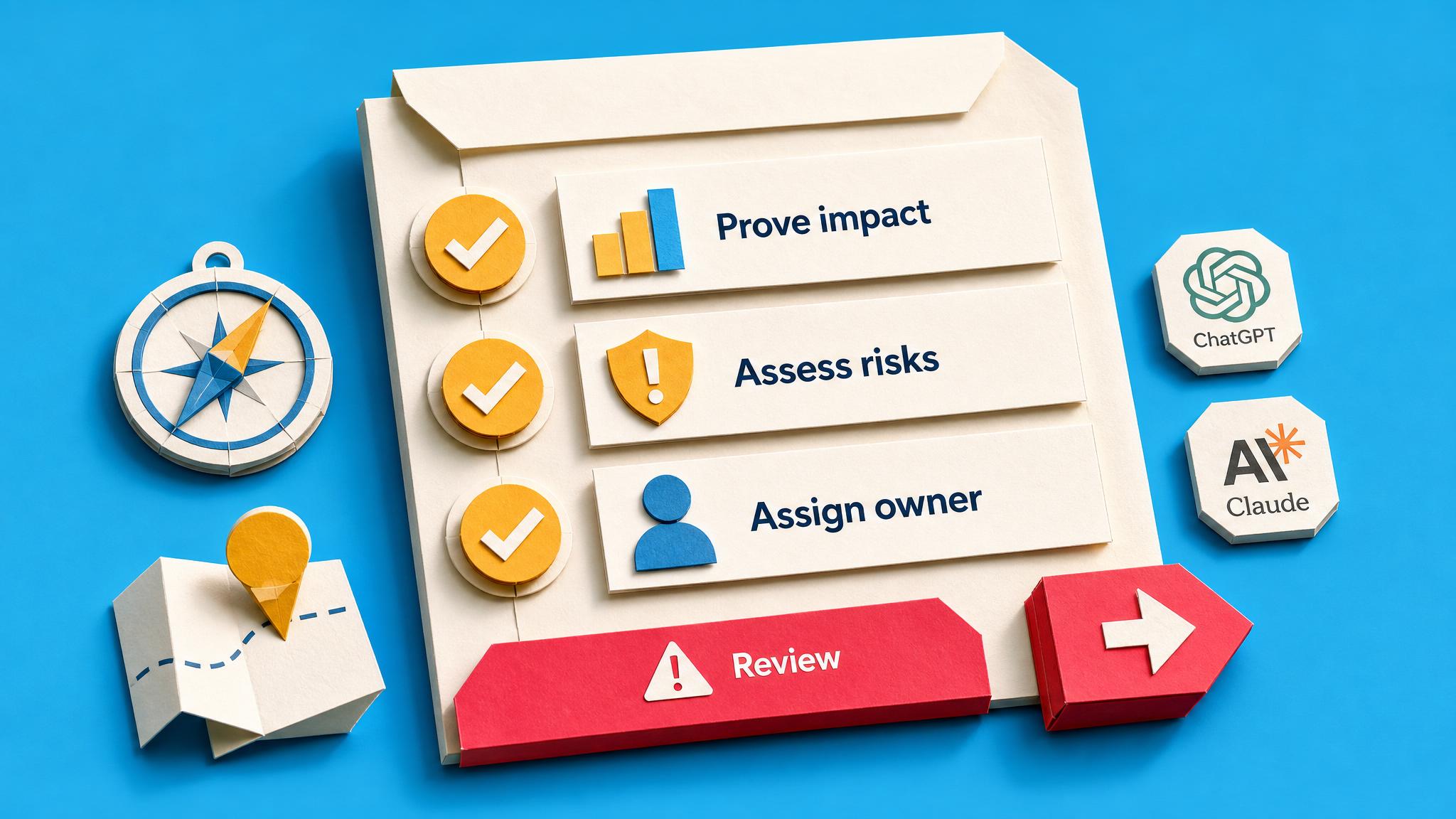
  • Decide with a five-factor scorecard whether the workflow stays in chat, becomes a shared assistant, or ships as an automation with a human approval gate.

How you get there

The Capture-Check-Handoff Path

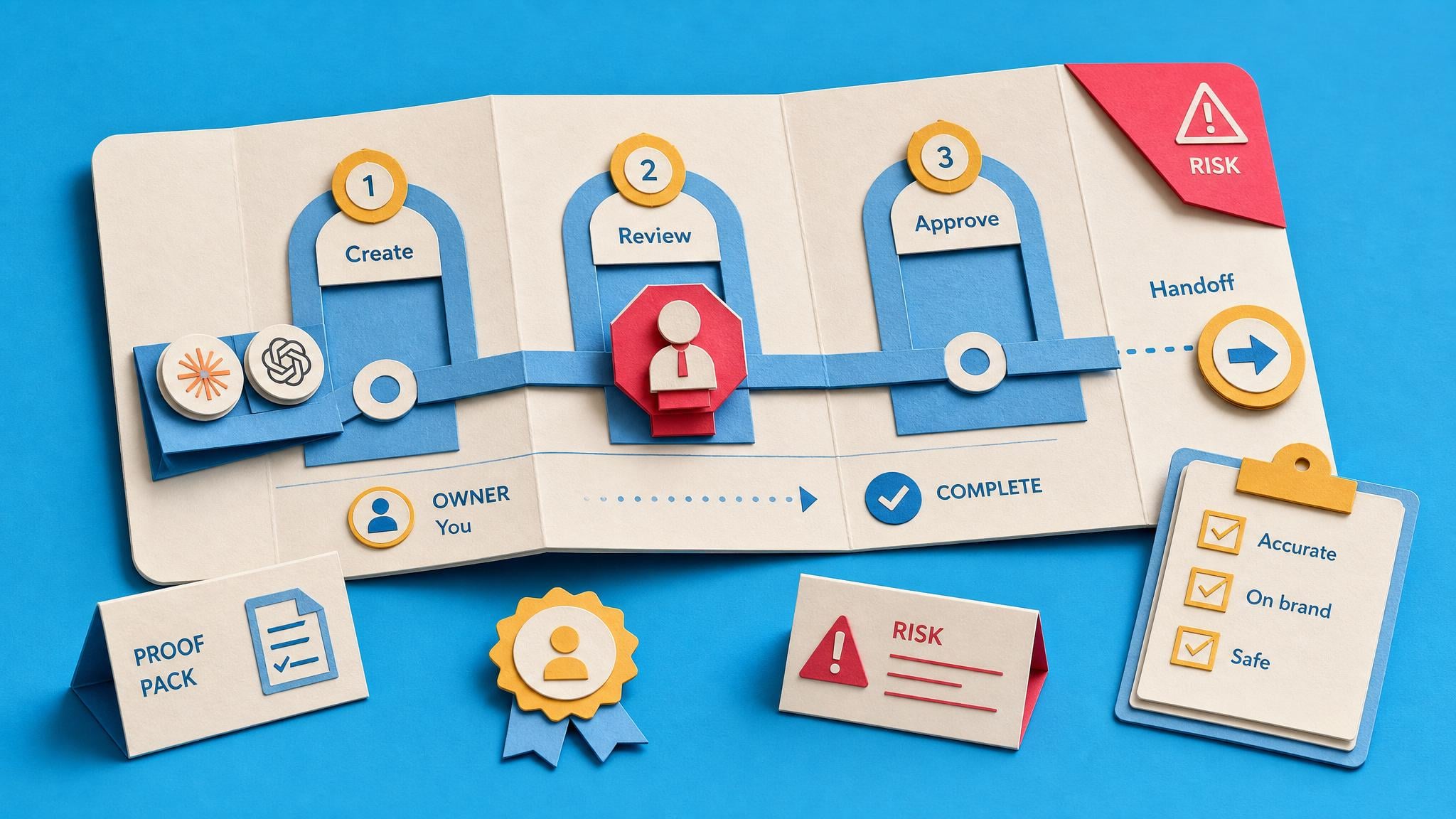
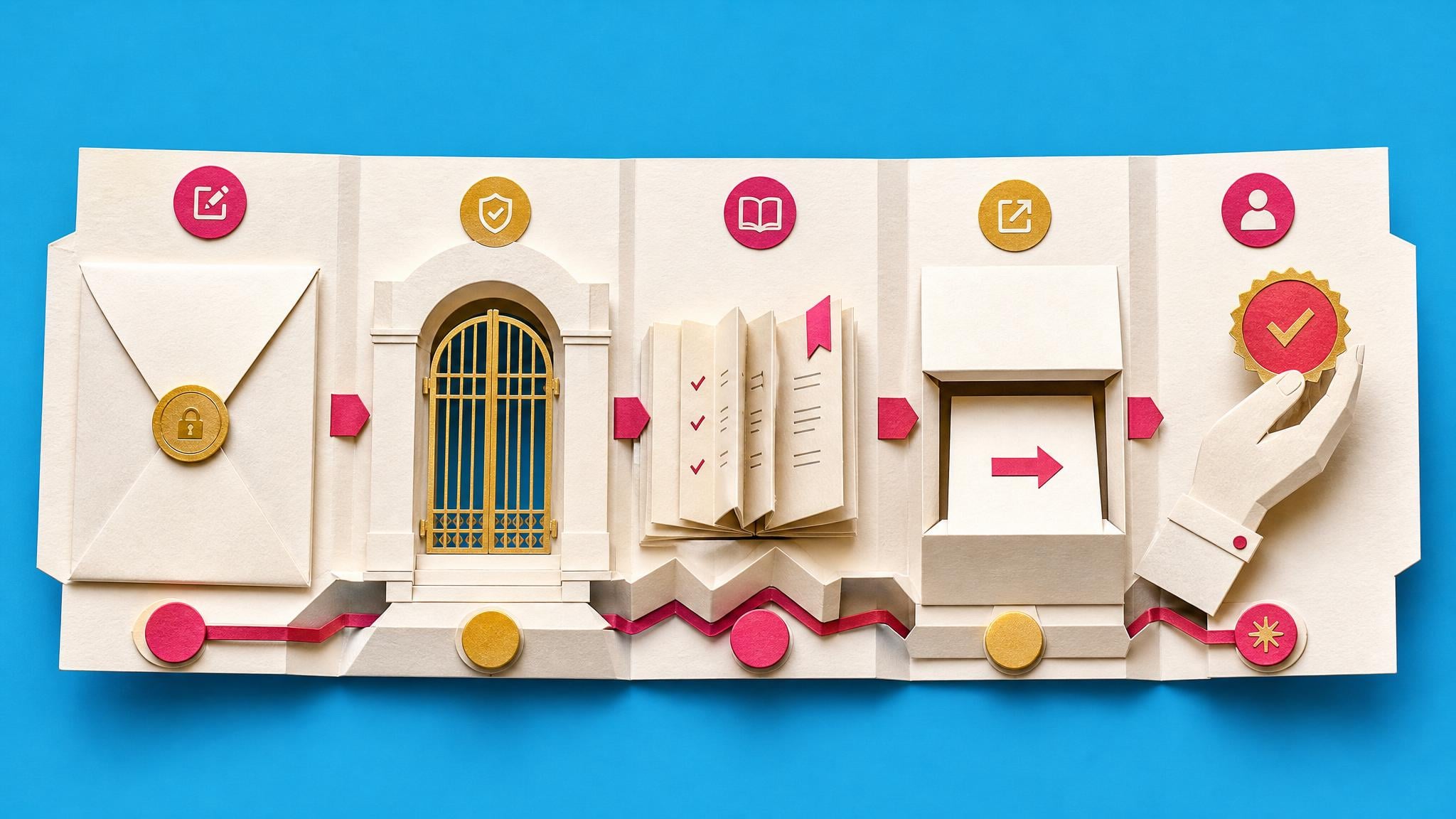
Capture the whole task, not just the prompt: inputs, sources, checks, stop rules, and the judgement you add without noticing. Check it survives someone else: privacy boundaries, a review gate, a cover test with a real colleague. Then choose its final shape with a five-factor scorecard: stay in chat, become a shared assistant, or ship as an automation that cannot send without human approval. The work only stops coming back to you when your judgement travels with it.

Suggested pace: 1-2 weeks

  1. 1
    Course

    Hand Off One AI Task Without It Coming Back

    This is the core first-value asset: a documented AI handoff pack for one recurring task, including task map, prompt, sources, output checks, stop points, and a cover test.

    You will finish
    Build a handoff pack for one recurring AI task that a colleague can attempt from written instructions alone.

    Inside The AI Authority

  2. 2
    Briefing

    Why Sharing The Prompt Is Not The Same As Handing Off The Work

    This briefing reinforces the board's main rule: a repeatable AI workflow needs inputs, context, source rules, review steps, and stakeholder expectations, not just a saved prompt.

    You will finish
    Add the trust checks that make it safe to share: privacy boundaries, output verification, stop-and-ask rules, and a teammate-style test.

    Inside The AI Authority

  3. 3
    Briefing

    Run This Checklist Before You Share a Custom GPT with Your Team

    This checklist covers task scope, access, privacy, files, instructions, and teammate-style testing before a shared AI assistant or workflow is used by others.

    You will finish
    Decide with a five-factor scorecard whether the workflow stays in chat, becomes a shared assistant, or ships as an automation with a human approval gate.

    Inside The AI Authority

See the remaining 1 core step
  1. 4
    Briefing

    Decide Whether to Automate a Task or Keep It in Chat

    This scorecard prevents premature automation. It checks input stability, failure tolerance, review needs, frequency, and platform limits before the learner moves a workflow out of chat.

    You will finish
    One recorded decision you can act on in the next step.

    Inside The AI Authority

If you need more depth (3 optional)
  1. 5
    Course

    Rescue Your Team's Custom GPT and Relaunch It on One Winnable Task

    This is the strongest route for learners turning the workflow into a shared custom GPT or Claude Project. It focuses on one winnable task, real examples, review gates, and adoption status.

    You will finish
    One recorded decision you can act on in the next step.

    Inside The AI Authority

  2. 6
    Blueprint

    Project Draft-and-Approve Weekly Update Automation for Your Team

    This blueprint gives a concrete reusable pattern: weekly tracker data becomes an AI draft, then a human approval gate controls publishing, with dedupe, run logging, and failure alerts.

    You will finish
    A saved working result from “Project Draft-and-Approve Weekly Update Automation for Your Team”.

    Inside The AI Authority

  3. 7
    Course

    Ship One Reliable AI Automation with a Human Approval Gate

    This is the implementation route for learners ready to ship one reliable automation with a test lane, duplicate guard, error route, forced-failure rehearsal, and watched live cycle.

    You will finish
    A saved working result from “Ship One Reliable AI Automation with a Human Approval Gate”.

    Inside The AI Authority

Built for

Non-technical professionals, founders, consultants, and team leads who use AI ad hoc and want one reliable reusable workflow for real work.

Level

Beginner to intermediate

Access period

90-day Learning Pass. Afterwards, your progress, private notes and saved work remain; protected steps require Space access.

Before you start

No hidden setup is added by the Board. Check each step for any product-specific prerequisites.

A complete Space, included

Your 90-day Learning Pass opens the complete The AI Authority Space. Not just this Board.

Use the Build My First Repeatable AI Workflow Board as your focused route to a working result. Your pass also gives you 123 additional resources from the complete Space library, including guided builds, briefings, Blueprints and product updates, plus community discussions when you need help. No separate course purchases. No searching the web for the missing step.

What you get

  • The complete Build My First Repeatable AI Workflow BoardUse every protected step for your chosen 90-day period. Your Board, progress, private notes and saved work remain afterwards.
  • 11 guided build coursesStep-by-step help when a learning-path step needs more explanation or hands-on practice.
  • 3 briefings and fixesPlain-English judgement for edge cases, trade-offs and recovery decisions.
  • 109 product updatesRelevant changes and new capabilities without having to monitor every announcement yourself.
  • Community discussionsAsk questions, compare approaches and get unstuck while the Learning Pass is active.

Learning Pass includes

The AI Authority

Your complete Space bonus

123

extra resources included for your chosen 90-day period, plus community

Your work stays saved.

Full supporting-Space access lasts for your chosen 90-day period. Afterwards, protected steps require continuing Space access.

Browse everything included

Explore the complete Space library before you buy.

Choose a category and browse every included item. Use the arrows to move through the complete list. Nothing is hidden behind hand-picked examples.

All 11 guided build courses

Step-by-step help when a learning-path step needs more explanation or hands-on practice.

Showing 1–6 of 11

Guided build

The AI Authority

Productivity Hacks That Actually Work

Course converts productivity research into reusable AI prompts for time blocking, task prioritization, and workflow optimization. Five modules address morning planning, project decomposition, calendar design, energy ali…

Preview (opens in a new tab)
Guided build

The AI Authority

Image Magic Made Simple

Course teaches professionals to analyze charts, generate descriptions, create visual ideas, and extract strategic insights using structured prompts without design skills.

Preview (opens in a new tab)

Loading the complete page…

Page 1 of 2

Before you decide

Straight answers to the buying questions.

What happens after the 90-day Learning Pass?

Your progress, private notes and saved work remain on your account. Full access to protected content in The AI Authority lasts for the period you choose; afterwards, protected steps require an active plan, permanent Space ownership or Team access.

When does the Learning Pass start?

Your 90-day Learning Pass starts when payment is confirmed, not when you first open a lesson or Board item.

What if I already have this Board or its Spaces?

The page checks your account and Team access before checkout. It keeps your existing Board and progress, avoids duplicate charges, and shows the right ongoing option if the one-off offer no longer applies.

Why not just ask AI?

AI can answer individual questions. This Board adds the chosen sequence, named outputs, progress tracking and related Space material for the context and edge cases you would otherwise have to assemble yourself.

How much work should I expect?

The current estimate is 6 hours, completed at your own pace over 1-2 weeks. The complete learning path is visible on this page before you start.

Will Collab365 do the work for me?

No. The Board gives you a practical learning path and supporting material, but you still make the decisions and do the work. It is a product, not a done-for-you consulting service.

What will I actually finish with?

One documented AI workflow: a handoff pack containing the task map, improved prompt, source and output rules, quality checks, stop-and-ask rules and a cover-test record, plus an honest status and a scored decision on whether it stays in chat, becomes a shared assistant, or ships as an approval-gated automation. The two optional routes take you on to a relaunched assistant or one watched, working automation.

Do I need to be technical?

No. The core path is documents and your existing AI chat tool; there is no code anywhere in it. The optional automation route uses no-code platforms (Zapier, Make or n8n) and keeps a human approval gate in front of anything that sends, with a Blueprint that names every step.

Which AI tools does this work with?

The method is tool-agnostic: it works with ChatGPT, Claude, Copilot or Gemini, because the pack documents the work around the AI rather than any one product. The optional shared-assistant route covers custom GPTs and Claude Projects specifically.

How much time should I allow?

The core build is a 125-minute workshop plus two short briefings and a ten-point checklist, comfortably done in a week of short sessions. The optional routes add a 90-minute rescue course, or a 2-hour-45 automation course plus a build day for the Blueprint. Allow extra time to test with your own task and colleague.

What if I cannot use real work data?

The path is built for that case. Every step works with sample or approved low-risk data, the privacy boundary is an explicit part of the pack, and the honest status includes Not tested yet rather than pretending a procedure is ready.

How can I access the Board?

The page checks the access already on your account and shows the available route, such as existing access, a qualifying individual or Team plan, or a one-off Board option where configured.

Your next useful action

Start with the first useful result.

Your first session ends with something you have never had: the whole task on one page. Every input, source, check and stop-point written down, with the AI Task Handoff Workbook open beside a finished example, so you are never staring at a blank template.

Checking your best way to start…

The one-off option includes a 90-day Learning Pass for required Spaces. Afterwards, your progress, private notes and saved work remain; protected steps require continuing Space access.

Start with the current trial when eligible. If you decide to own it, the one-off option buys the required Space access permanently; there is no recurring payment on that route.
Checking your next step