You held the mouse for the whole demo
The app has only met the person who built it. A colleague will take a different route, enter different data and ask a question the demo never had to answer.
A guided Power Apps project · Build, test and hand over
Build a working learning app in Power Apps using a detailed Blueprint and AI coaching. Then test it, move it to a second environment and write a handover someone else can use. Practise the whole process on fictional data, with the complete Power Apps Builders Space included.
Learning with Collab365.
In our members’ words.
The problem this project tackles
The app works when you click through it. But you chose the records, knew which buttons to press and watched every step. Before you send the link, you still need to know what happens when a save fails, two people use it or someone asks how the completion figure was calculated.
The app has only met the person who built it. A colleague will take a different route, enter different data and ask a question the demo never had to answer.
A formula looks plausible and the screen says the record saved. You need a way to check what really happened before anyone depends on it.
Moving it, checking access and explaining the data are different jobs from building the screen. Without those steps, the app stays in your sandbox and the knowledge stays with you.
What you are working towards
Your fictional LMS has completed the required build checks. You have a dated record of its test results, the app running in a second environment and a handover another person has tried to use. You can explain what works, what you tested and what remains a limitation.
Why this approach
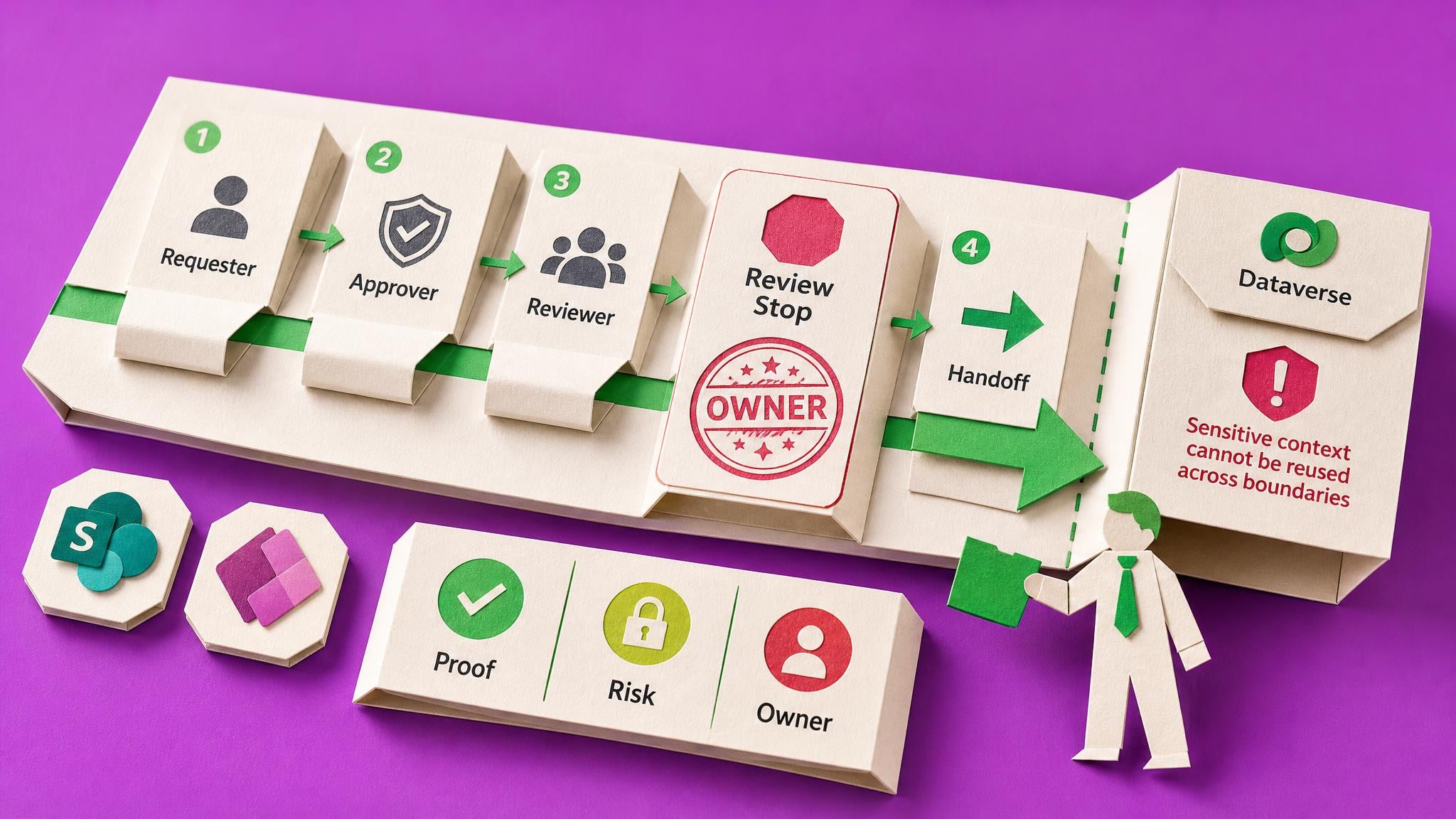
A working screen is the start of an app you can explain. Build one fictional LMS, then use the testing, deployment and handover courses on that same lab. Each step gives the next one something real to check.
Your first useful step
Check whether your chosen environment lets you create the Dataverse tables the lab needs. Leave with a clear build route or a specific access request before spending hours on the wrong setup.
Your learning path · 5 core steps
A working four-screen learning app backed by six Dataverse tables.
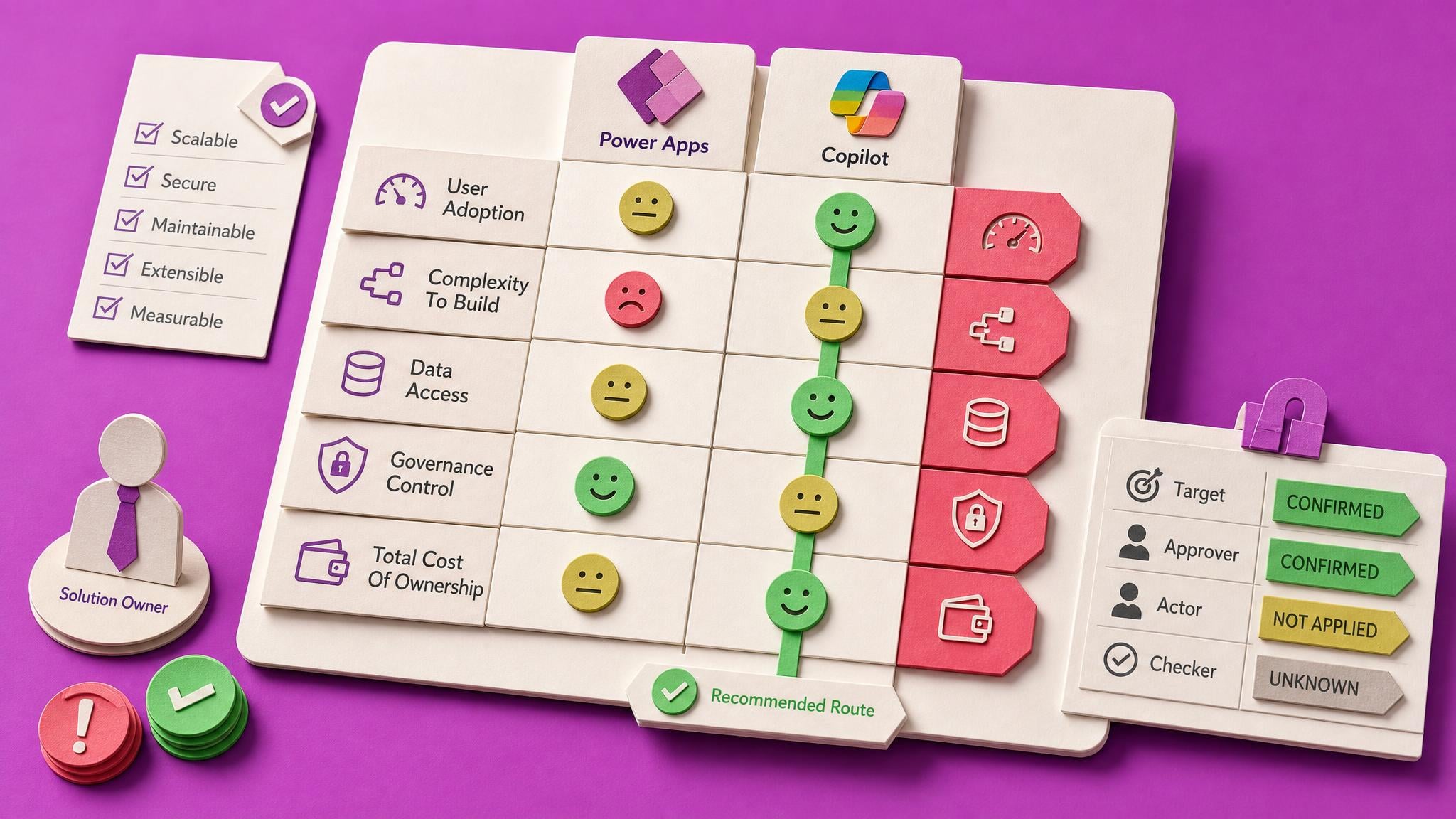
Seeing Dataverse in the menu does not mean you can create a table where you are standing, and the AI tool you build with is not the one you will test with. Both take minutes to check now and cost you an afternoon later.
A checked fictional journey from enrolment through lesson progress to completion.
A full specification, not a tutorial: the exact data model, every table and column, the Power Fx, the fictional records and the recovery rules. That is why it produces a working LMS rather than a demo. You finish with six related Dataverse tables, four screens, and a complete chain from enrolling a learner to one completion row that survives a replay. One course and one learner sit in it, because proving the first one is the whole job. The fiftieth is copy and paste.
A dated test record that shows findings and limitations.
A lab that works for its builder is not ready to share. This course turns the app's exported source into a ranked risk map, a short test plan, a monitored human run and an AI-written Playwright check, then tests the concurrency, volume and stale-data failures that appear when real colleagues arrive.
Practice checking the app with another person and more demanding data.
An app nobody can reach is not finished, it is stored. This is the last mile, and it is full of things nobody warns you about, starting with the fact that your data does not travel with it.
The lab deployed to a second environment with its connections checked.
The lab now works, you have proof, and it runs somewhere real. AI can turn the source into documentation in one prompt. The seven sections it cannot write are the reason the document is worth anything.
A named saved version of the lab, visible in the Version note column under Details and Versions, plus a note of which row is marked Live.
Copilot suggests and you approve, but what you approve is often wider than the bit you were looking at. And Power Apps autosaves every two minutes, so the state you were counting on can be gone before you notice.
A note of what the agent's plan actually authorised and what arrived, checked against the Compare diff rather than the agent's own summary.
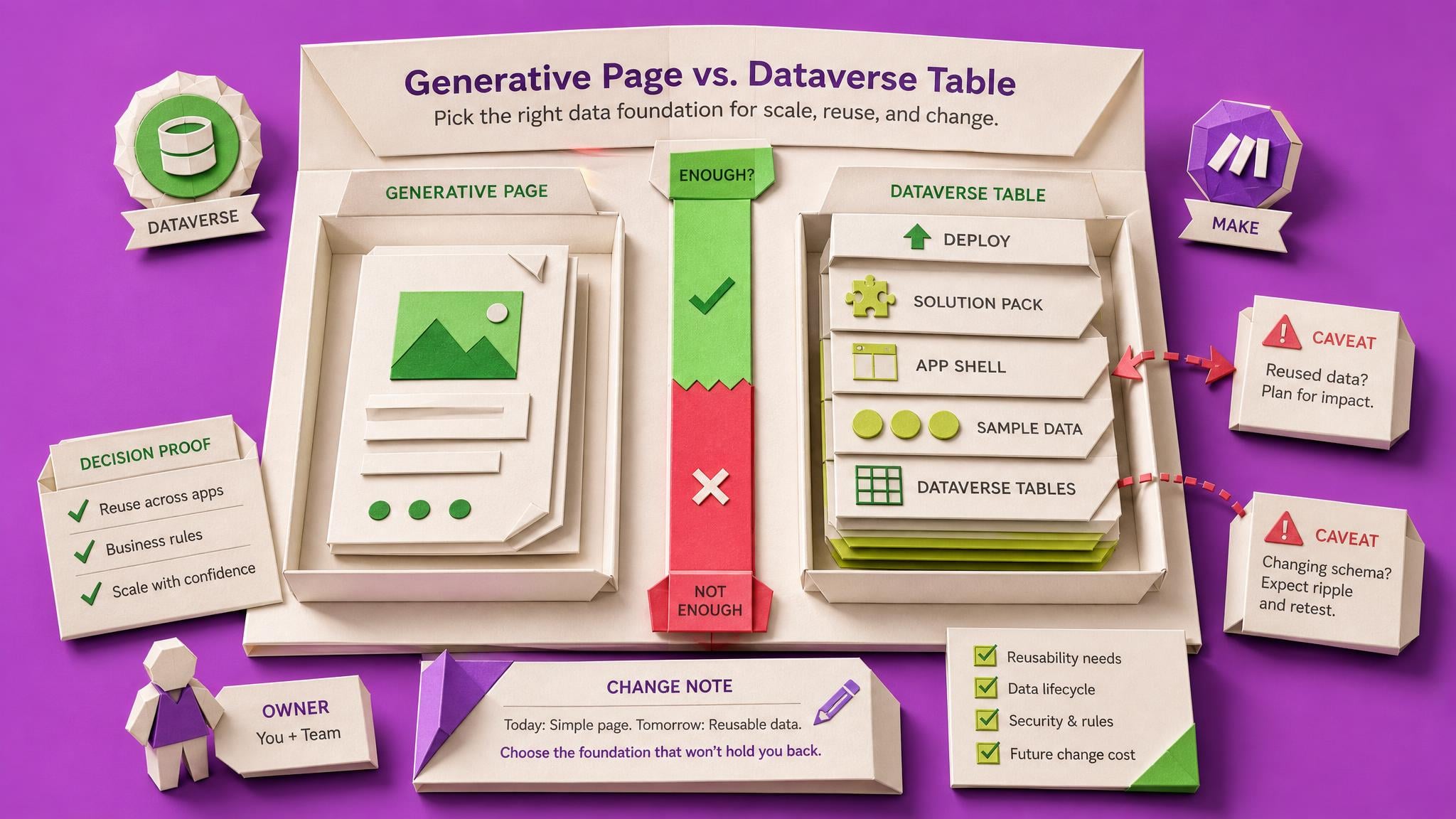
Generative pages are a different app type. The version history in the previous step does not cover them, and confirming an agent's plan can also create Dataverse tables, an app and a solution, then deploy the lot.
Four tests run on fictional data with what each revealed, plus a note of what your completion row stores and what happens to it when the course changes.
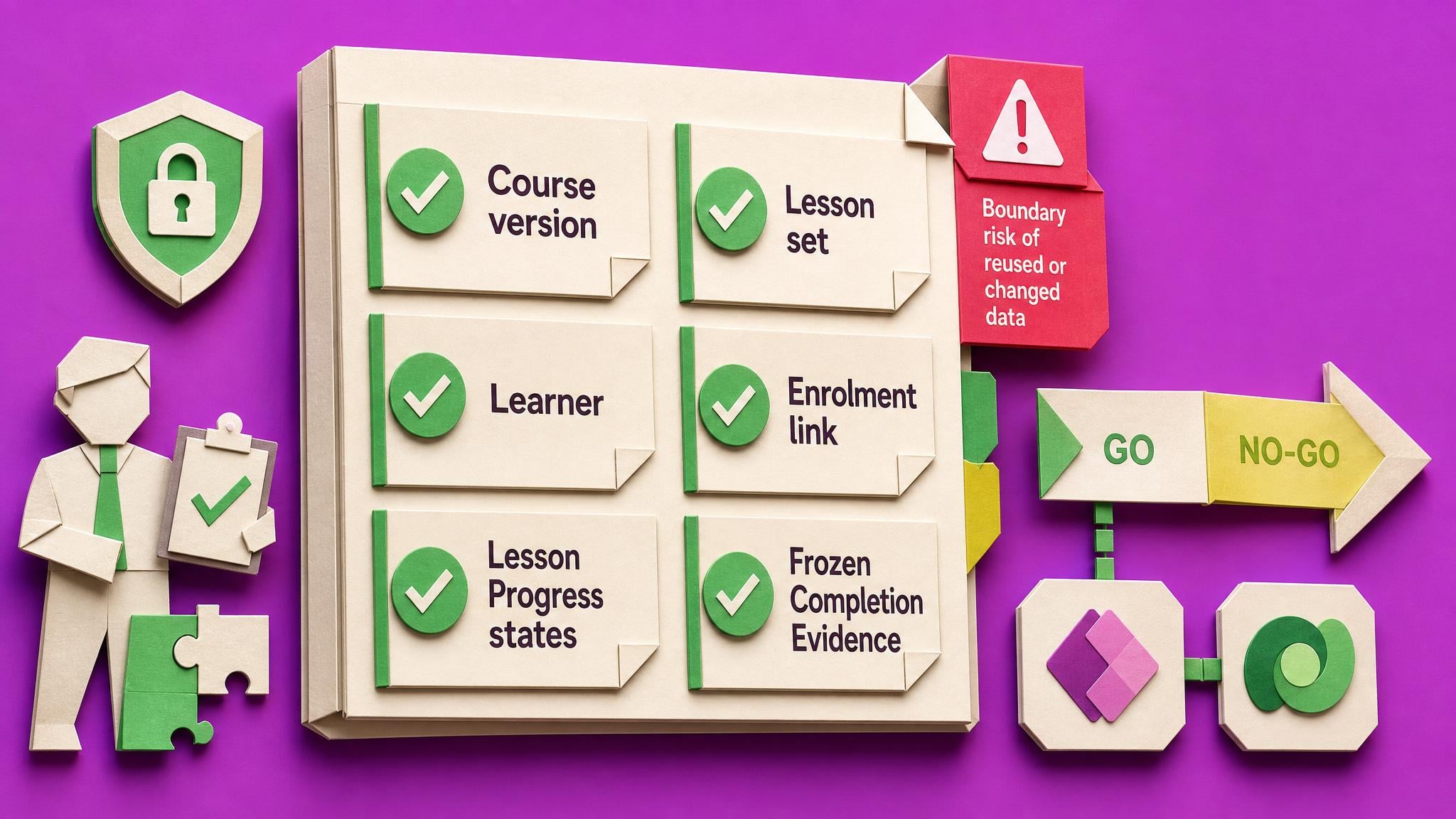
Your lab now shows a completed learner. The awkward question is what that completion row actually proves, and what happens to it the day you add a lesson to the course.
At your own pace. Allow roughly 30–45 hours across several weeks for the build, testing, deployment and handover.
Before you start
Power Apps makers and app owners who have built an app before and want to get better at using AI without guessing whether the result works. You need a permitted practice environment, suitable AI tools and someone who can try the app and read your handover.
This is a practice build on fictional data, not an LMS installed for your organisation. It requires hands-on work, suitable environment permissions and additional AI tools. A completed lab is not production approval or a compliance certification.
People learning with Collab365
Reviews of this Board, alongside feedback from the wider Collab365 community.
About this Board
“I was surprised how long it took overall, though I had no idea how long it would have taken without AI. I was impressed by how the AI gave better instructions as we went: it learnt from my mistakes early on so I couldn't make the same mistake again. When I struggled to find a field in a massive list, I realised it was much easier to ask the AI where to find it. My advice: get the functionality working before making it pretty.”
“I joined the Microsoft Copilot Adopters Space looking for role-specific guidance on AI rather than broad, general information. The most useful part has been the way complex changes are distilled into something I can quickly understand and evaluate. A briefing I read recently gave me the context I needed before making a decision, and that clarity was valuable. The content feels current and relevant, and it helps reduce the effort of tracking developments on my own.”
“They operate by providing learning in manageable chunks, using real world examples in easy to understand teaching methods.”
“The guided, step-by-step setup makes it very hard to miss something or go down the wrong path, which saves a lot of trial and error.”
Your bonus · full supporting Space access
The Complete Power Apps Builders Space is yours to explore for 90 days with your Learning Pass. Explore the full library and join the community alongside your Board.
And it keeps growing. Everything added to this Space during your 90 days is included too.
Explore everything included
90 days of full Space access
13 extra courses to build your skills. Beyond the steps in this Board.
Browse the courses, practical resources and updates included alongside your Board.
| Courses | Included |
|---|---|
| Build a SharePoint Gallery Search Users Can Trust Power Apps makers often cannot tell whether a SharePoint gallery search returns the correct items. This course builds one tested search pattern, documents the searchable fields, and records pass/fail evidence for named… | Included with your pass |
Loading included resources…
Your 90-day Learning Pass opens the whole Power Apps Builders Space, not just this project's steps. Explore the wider courses, briefings, Blueprints and community whenever the build raises a question. New material added to the Space during your pass is included too.
Full supporting-Space access lasts for your chosen 90-day period. Afterwards, protected steps require continuing Space access. Your Board, progress, private notes and saved work remain afterwards.
Before you decide
What is included, how access works and what to expect from the project.
Your progress, private notes and saved work remain on your account. Full access to protected content in Power Apps Builders lasts for the period you choose; afterwards, protected steps require an active plan, permanent Space ownership or Team access.
Your 90-day Learning Pass starts when payment is confirmed, not when you first open a lesson or Board item.
The page checks your account and Team access before checkout. It keeps your existing Board and progress, avoids duplicate charges, and shows the right ongoing option if the one-off offer no longer applies.
AI can answer individual questions. This Board adds the chosen sequence, named outputs, progress tracking and related Space material for the context and edge cases you would otherwise have to assemble yourself.
Allow roughly 30–45 hours across several weeks for the build, testing, deployment and handover. The complete learning path is visible on this page before you start.
No. The Board gives you a practical learning path and supporting material, but you still make the decisions and do the work. It is a product, not a done-for-you consulting service.
No. This is a guided learning project in which you build a fictional LMS in Power Apps, then test, deploy and document it. It gives you practice and evidence about your lab. An LMS for real learners would need further design, licensing, security review and organisational approval.
Some Power Apps experience helps. You should have built an app before and be willing to inspect its data and formulas. The Blueprint provides the practice build, while the courses develop your testing, deployment and documentation skills.
Allow roughly 30–45 hours across several weeks. You will spend time building tables and screens, testing, arranging access and preparing the handover. This is hands-on practice, so the time depends on your experience and environment.
A permitted Developer, non-production Sandbox or Trial environment with Dataverse and rights to create tables; a second suitable environment for deployment; and the AI tools described in the steps. The build uses ChatGPT or Codex, and later work needs a tool that can read app files. Check access, eligibility and any tool costs before starting.
You perform the build actions and check the results. AI coaches the build and can help with tests and documentation, but you must verify what it produces. Keep real personal data, credentials and tenant secrets out of the practice material.
Yes. Arrange someone who can try the app and later read your handover. Their questions help reveal assumptions that are easy to miss when you built it yourself.
The one-off Learning Pass includes 90 days of full access to the Power Apps Builders Space and new material added during that period. Your Board, progress, notes and saved work remain afterwards; protected learning steps require continuing Space access.
AI can help create screens and formulas. This project also takes you through checking saved data, testing failures, moving the app and explaining it to another person. Working on one fictional lab gives those lessons a shared example. It is hands-on learning, not a production-ready LMS delivered to your organisation.
Your next useful step
Follow the project, build your skills and put what you learn to work.
The one-off option includes a 90-day Learning Pass for required Spaces. Afterwards, your progress, private notes and saved work remain; protected steps require continuing Space access.